

Portfolio Managers & Website Admin Tools
Keep your website as current as your work.
Publish the work you want people to see.
Your website can include a private login for adding projects, arranging photographs and updating agreed details from a phone or computer. We define which content your team can change and how those changes appear on the public website.
A practical example from House to Home.
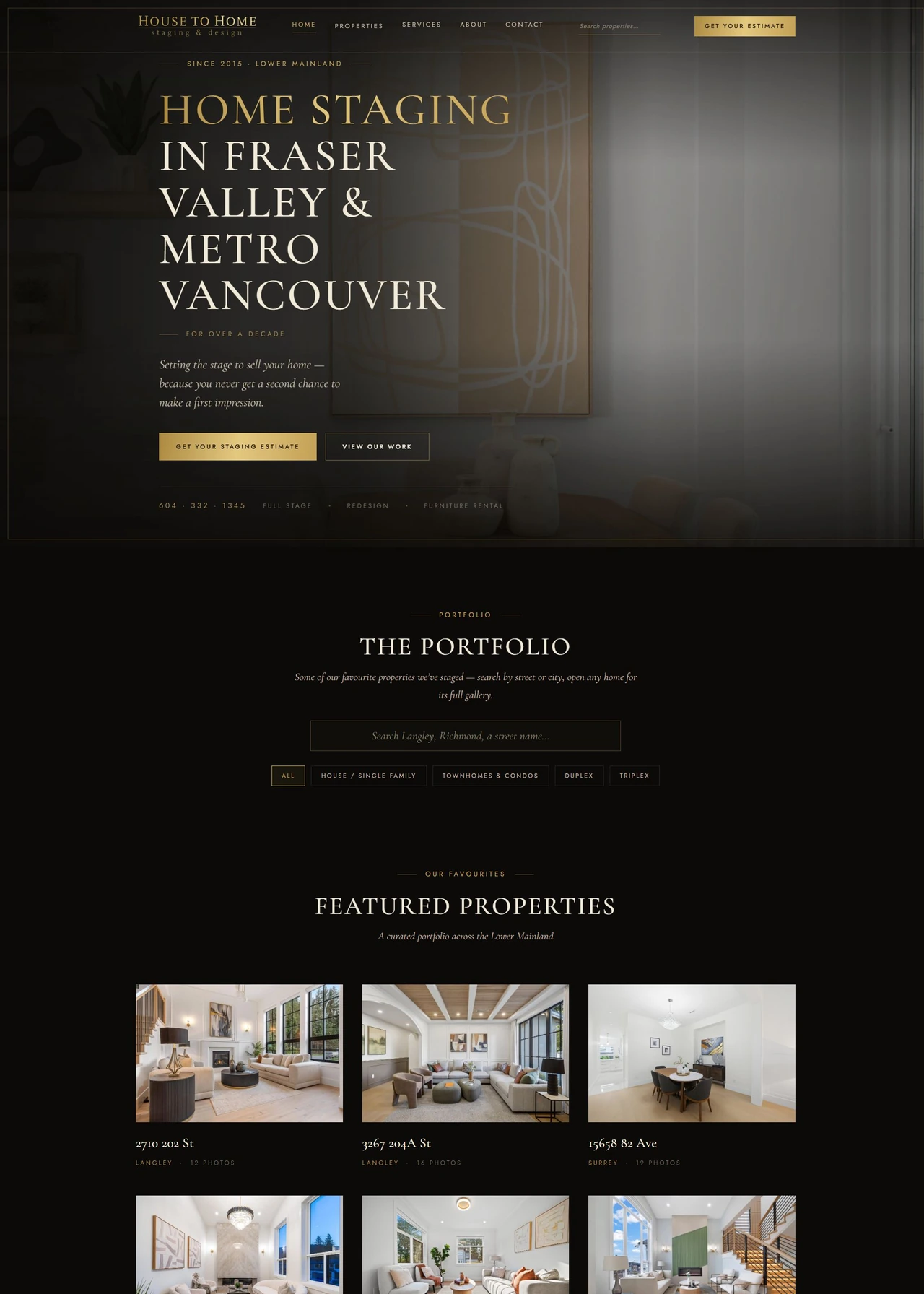
For House to Home Staging & Design, we built a project publishing tool that lets the team add photographs from a phone, arrange them and publish a project. It gives prospective clients recent staging work to explore.
Clear controls and a useful handover.
Before building, we agree what you need to update, who needs access and where a development change will still be needed. We show you how to complete the agreed tasks and explain support and continuing responsibilities.
Questions to settle before building.
- Can we change everything?
- We agree which content your team can manage. Publishing a project or changing a photograph is different from changing the page layout or adding a new function.
- Can we use it from a phone?
- Where phone editing is part of the scope, we design and test the agreed tasks for that use.
- Is this included in every website?
- The proposal specifies the content tools, access and handover included in your project.
- What is the difference between this and a client portal?
- Website management is for your team to maintain the site. A client portal gives your clients a private place to access the information or steps agreed for your service.